




Get Bonded everywhere
Your dynamic. Now on your device.
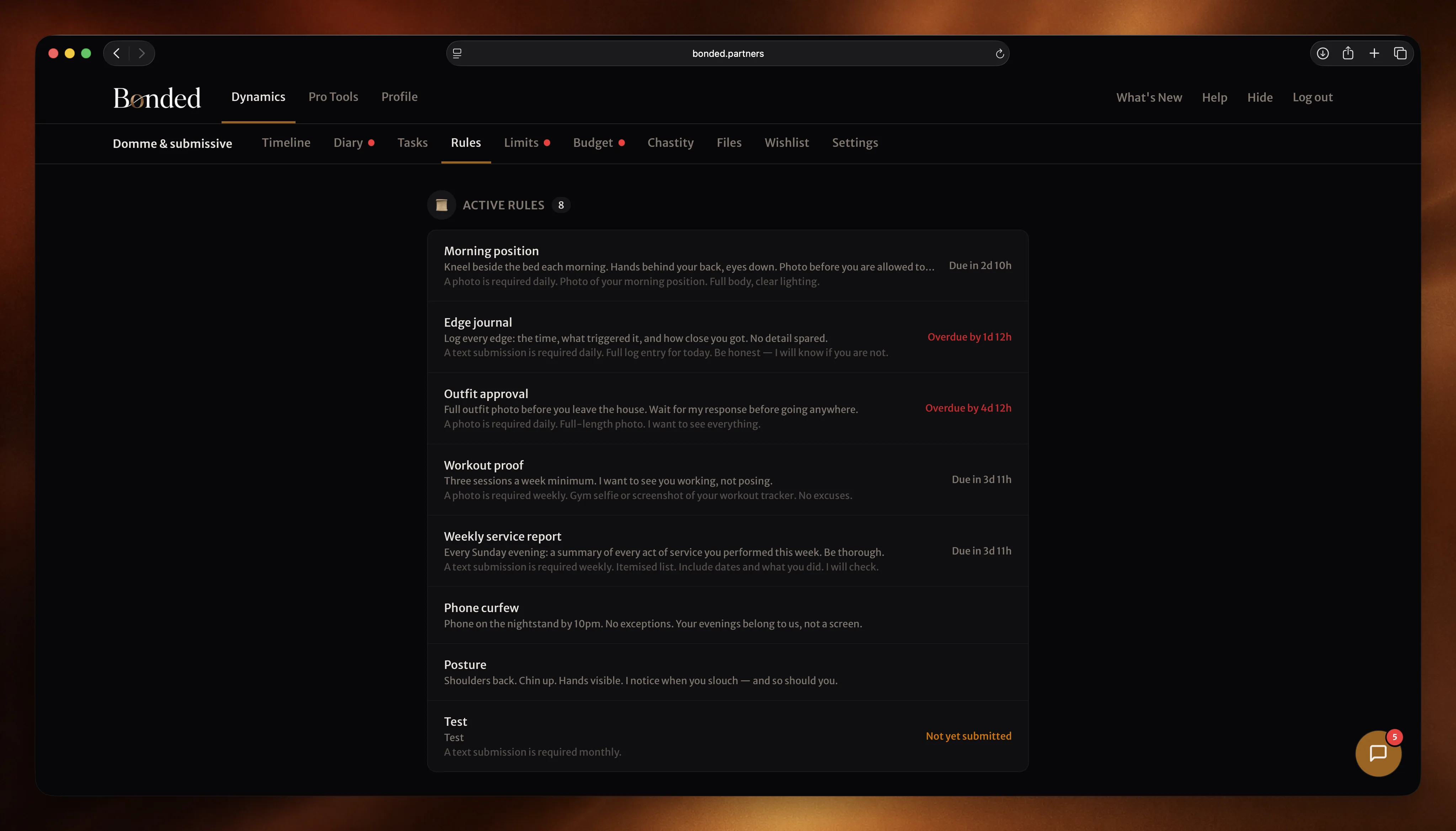
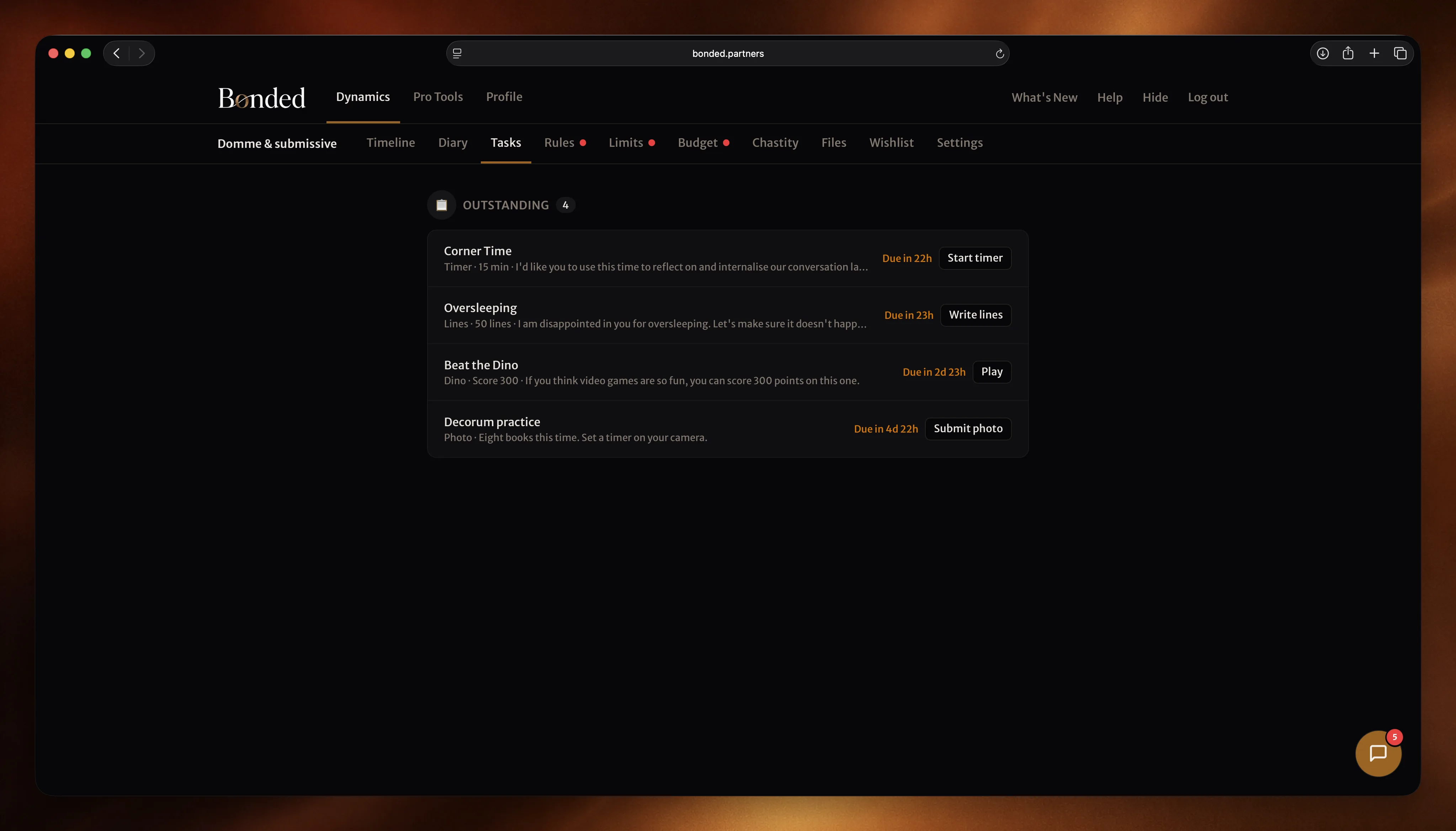
Access Bonded wherever you are to keep up to date with tasks, check the latest reflections or submit evidence on the go. It's everything you love about Bonded, now on the screen of your choice.
Why connect an AI agent
Another hand around the house.
Connect Bonded to Claude — Claude Desktop, Claude Code, or any Anthropic client that speaks MCP. Ask in natural language and Claude does the boring bits.
“Set john 1000 lines of ‘I must do better’ with random caps, due tomorrow.” “Write today’s reflection about the weekend.” “Log £52 on Tesco against Groceries.” All of it, from the prompt to the dynamic, in one turn.
Works for both roles. Dom(me)s assign rules, tasks and chastity sessions. Subs submit evidence, write reflections, log spends, and manage their limits. Your tier and role permissions apply exactly as they do in the app — nothing new to grant, nothing new to revoke.
What it gives you
Every surface, from a prompt.
Natural language, all the features
Rules, tasks (evidence, lines, timer, game, quiz), chastity, reviews, diary, budget, limits and chat — all reachable by asking in plain English.
Every Claude surface
Same server, whether you prefer Claude Desktop for day-to-day or Claude Code for power moves. The consent screen shows which client is connecting.
Encrypted end-to-end
Writes go through the same per-dynamic Vault keys the web and mobile apps use. Your content is encrypted at rest, nothing readable leaves your machine unprotected.
You always approve
Sign-in opens a browser with a consent card naming the agent, every time. Revoke with the logout tool or from your profile.
Two minutes, four steps.
No config files, no terminal, no install. Paste one URL into Claude's Connectors, approve on a browser page, done.
- 1
Open Claude Desktop's Connectors
In Claude Desktop, click your name in the bottom-left corner, choose Settings, then Connectors. You'll see a list of apps Claude can use (Google Drive, GitHub, etc.). Click Add custom connector at the bottom.
- 2
Paste the Bonded URL
Give it the name “Bonded” and paste the URL below as the Server URL. Leave everything else at the defaults and click Add.
Server URL
https://bonded.partners/mcp - 3
Sign in
Claude will open a Bonded tab in your browser. Sign in if you aren't already, then tap Approve on the consent card that names Claude. The tab closes itself.
- 4
Start using it
Back in Claude, try: “What are my dynamics?” “Set john 1000 lines of ‘I must do better’ with random caps, due tomorrow.” “Write today’s reflection about the weekend.” Claude will use the Bonded tools and tell you what it did.
- 5
Or: Claude Code
Prefer the Claude Code CLI? Run the command below and Claude Code registers Bonded as a remote MCP connector.
Terminal
claude mcp add --transport http bonded https://bonded.partners/mcp
Access is one-click revocable from your Bonded profile under Connected Apps. The Bonded server never sees your agent's chat history — Claude only sends the exact tool call you agreed to.