




Budget Tracking
Clear limits. No anxiety. Just log and move on.
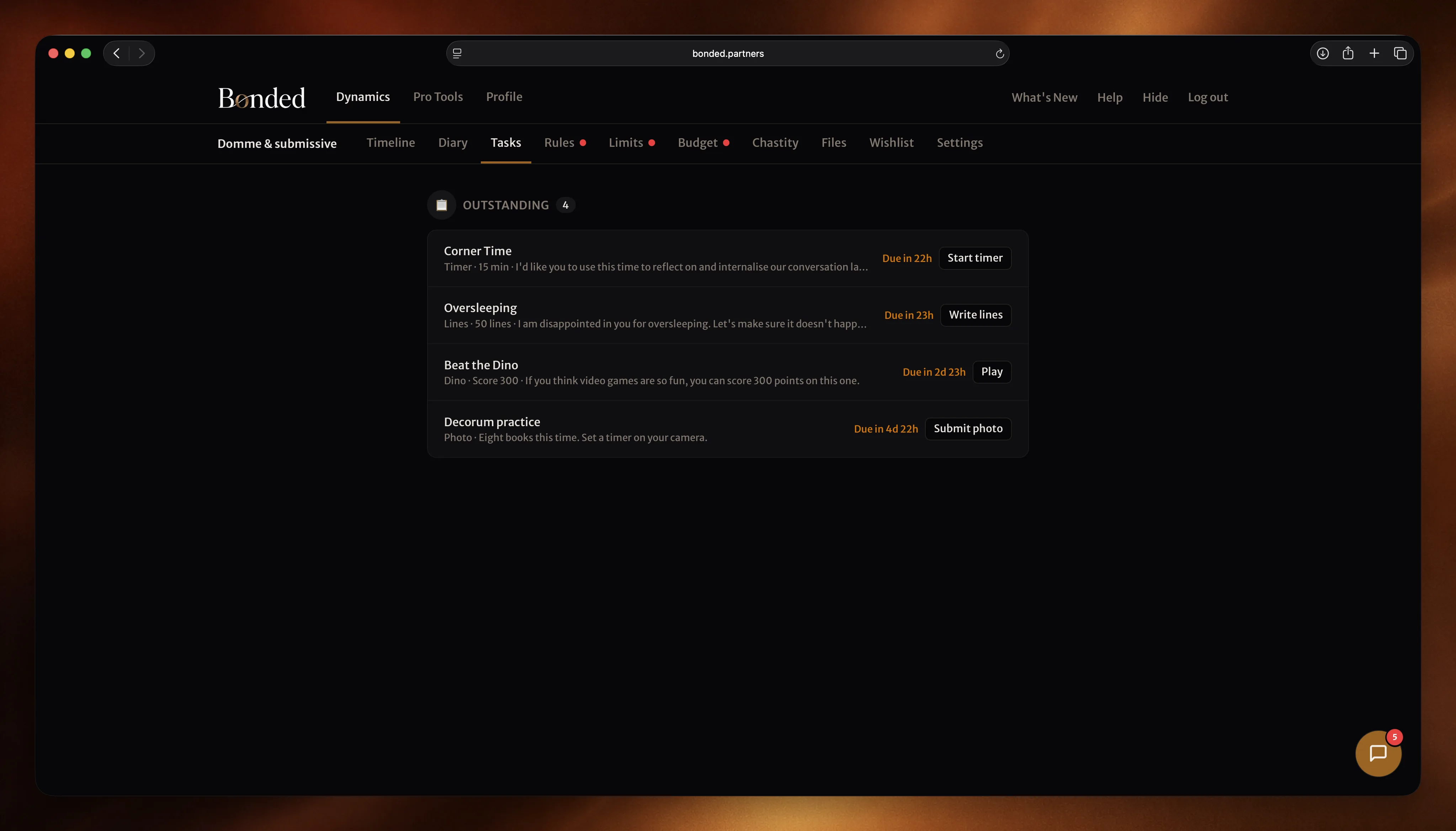
You see your categories, your limits, and your remaining budget at a glance. Log a purchase when it happens — it takes seconds. Your spending is transparent and accounted for, not something you have to explain after the fact.
What it does
Know where you stand, always.
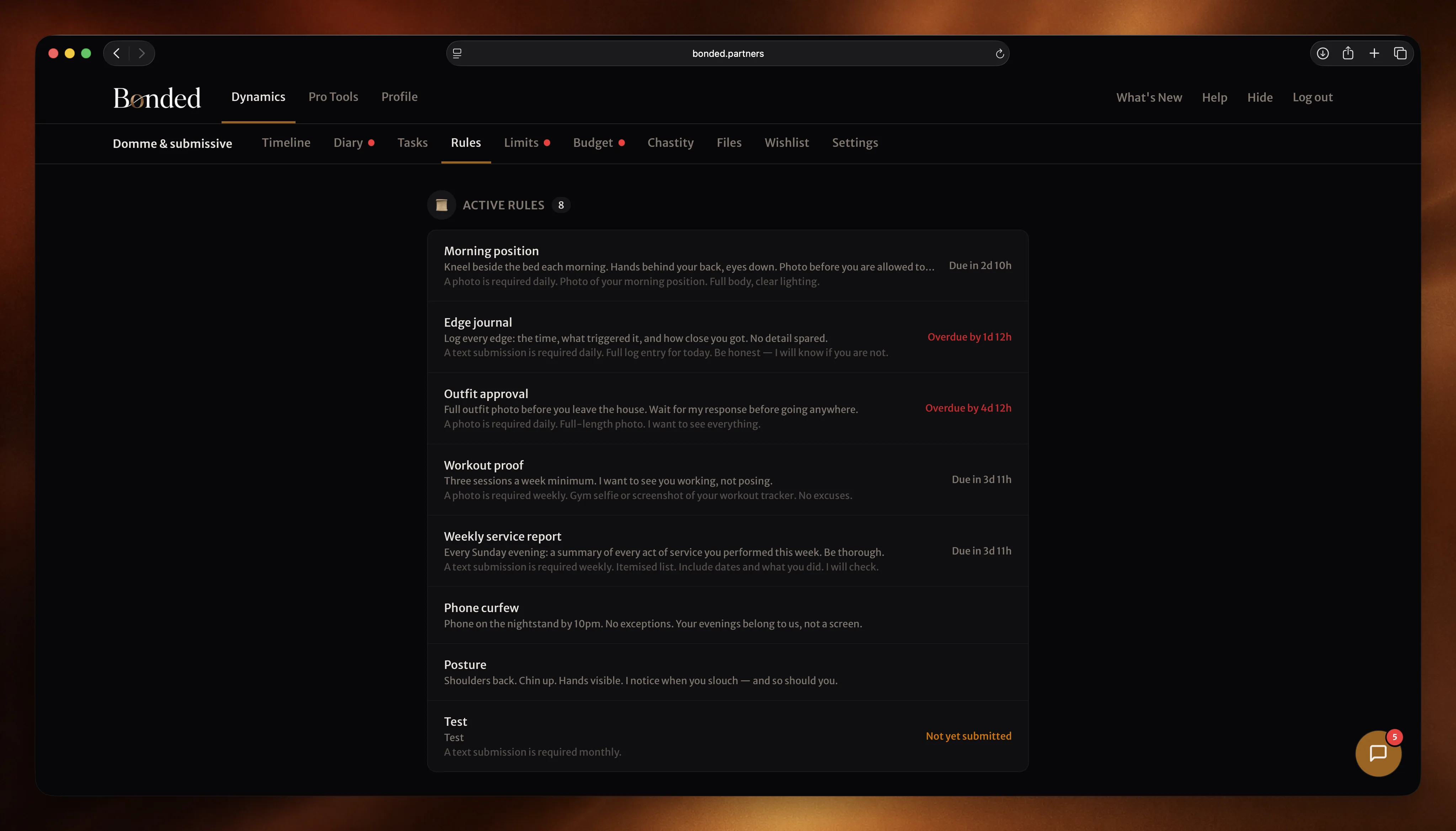
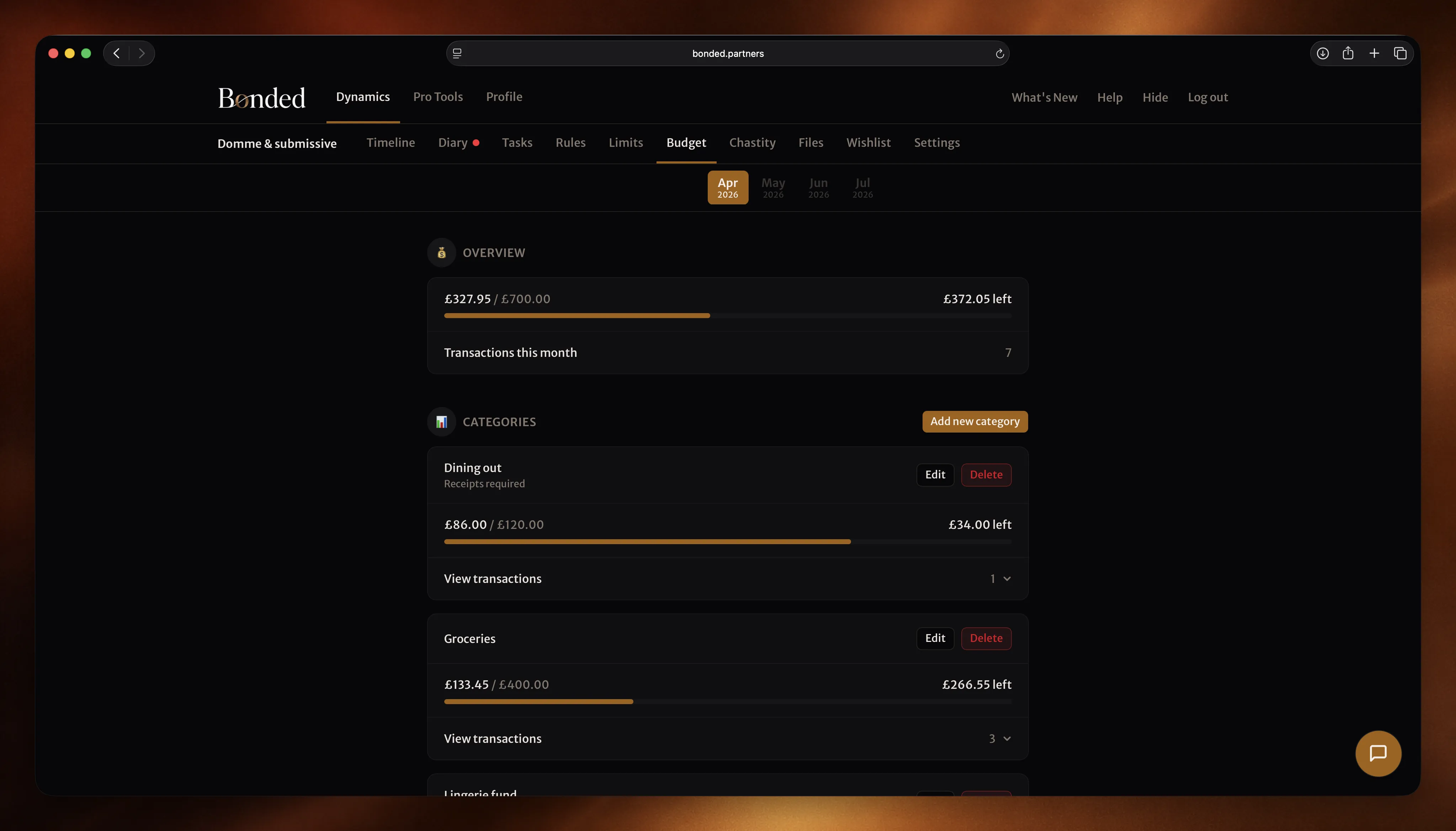
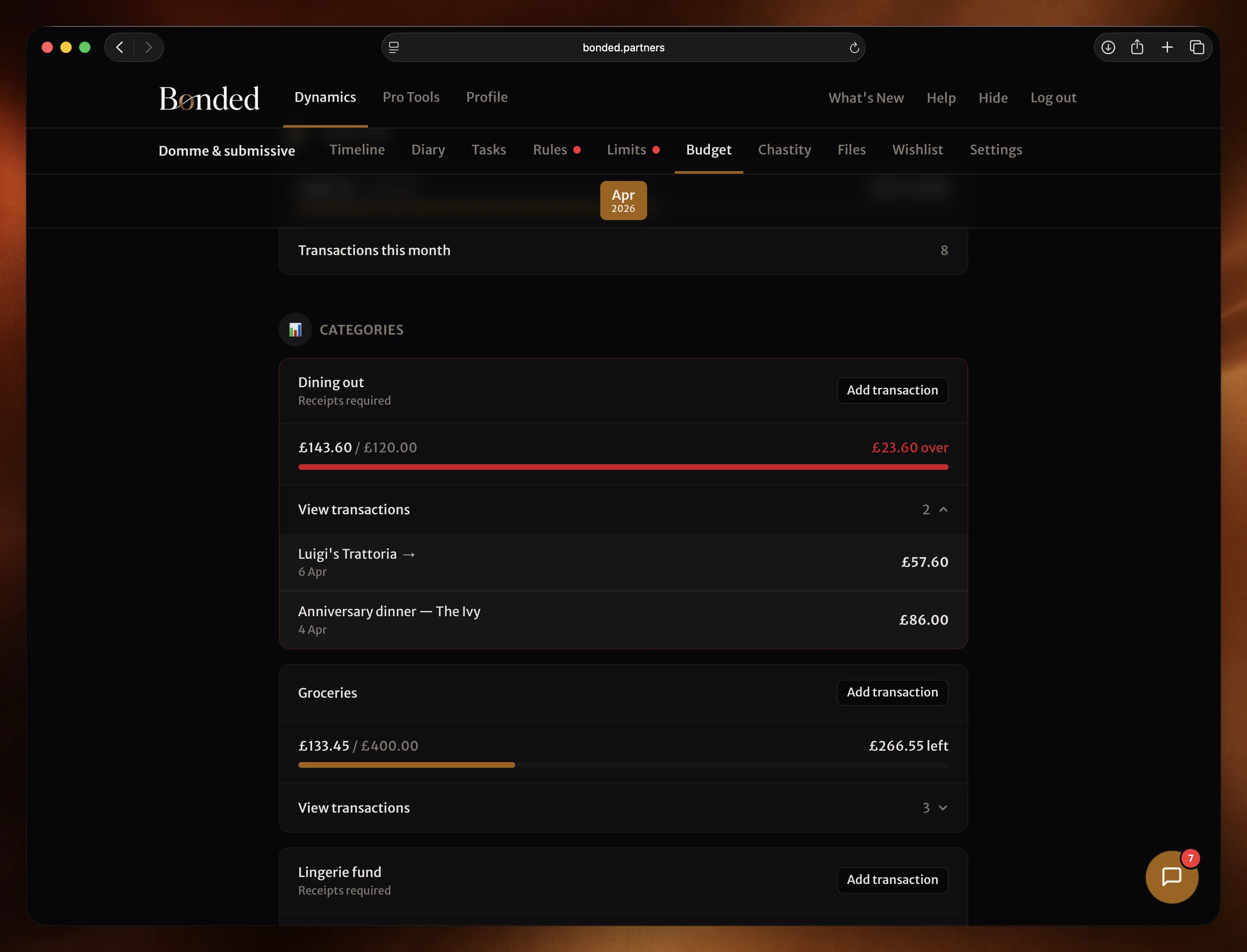
Your Dom(me) sets the categories and limits for each month. You see what's been allocated — groceries, entertainment, personal spending, whatever the dynamic requires. Each category has a clear limit. You always know how much is left.
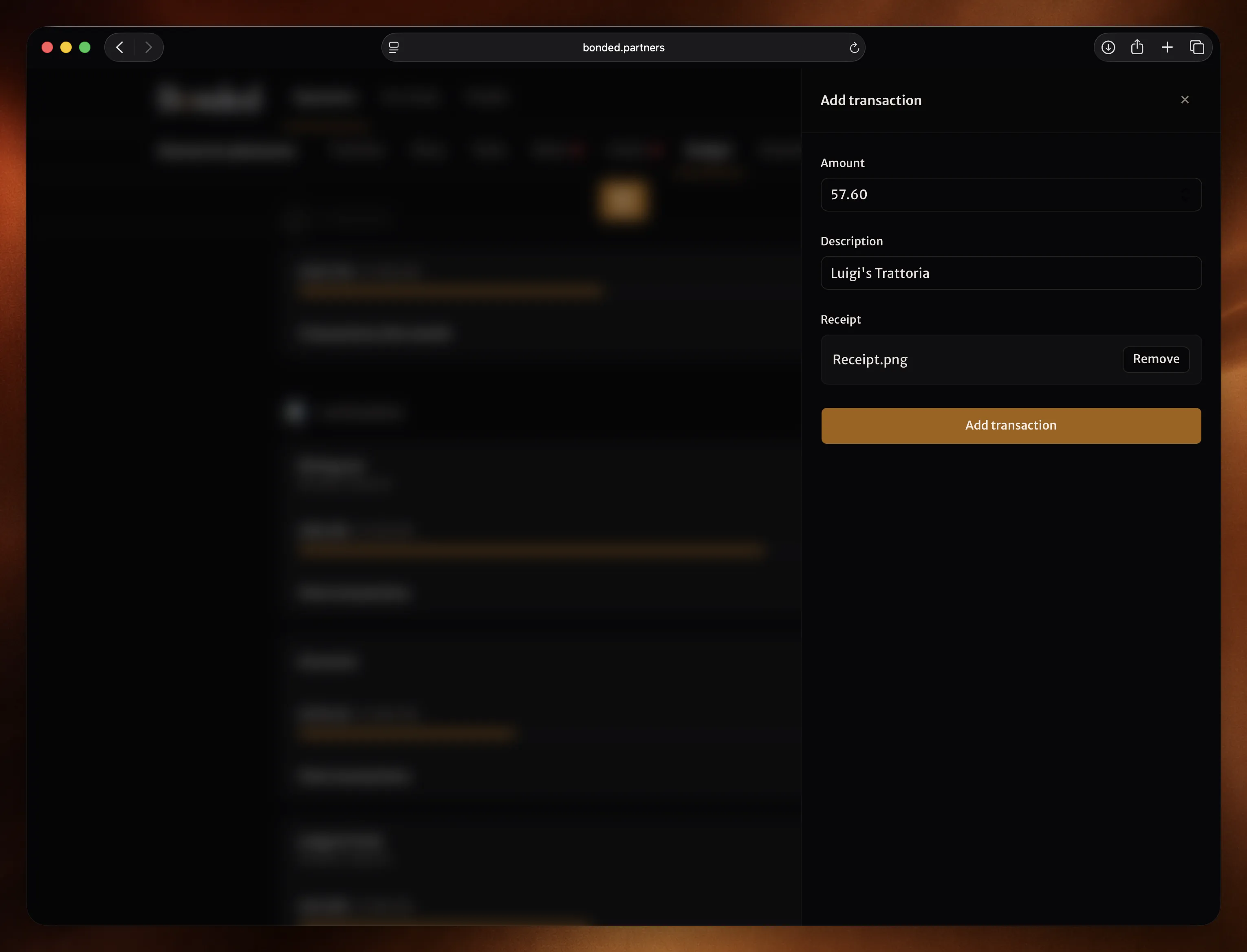
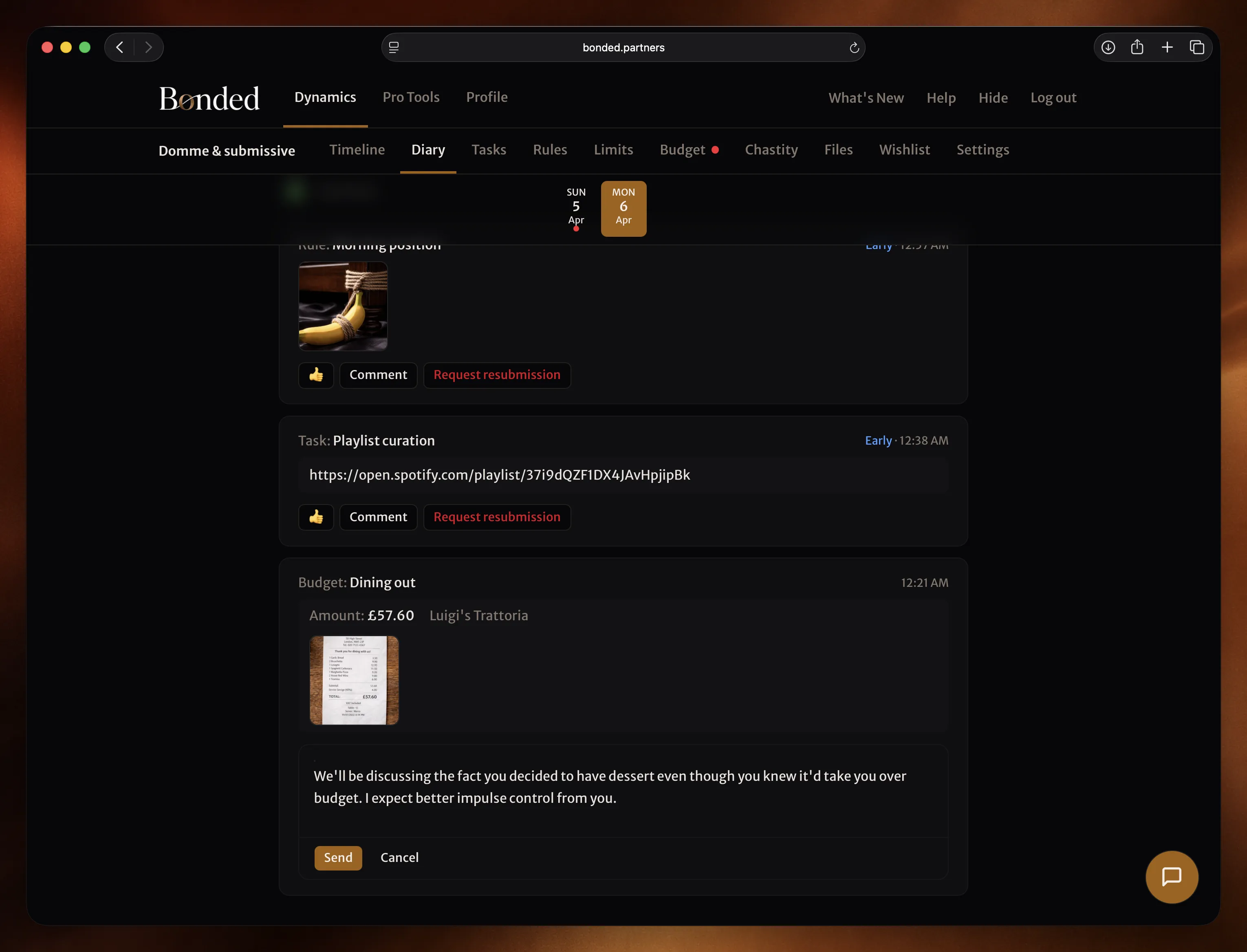
Log a purchase when it happens — the amount, a description, and a receipt if required. Takes seconds. The remaining budget updates immediately. No retrospective accounting.
You know what's expected, how much you've spent, and where you stand.
How it works
See your budget. Log your spending.
See your categories
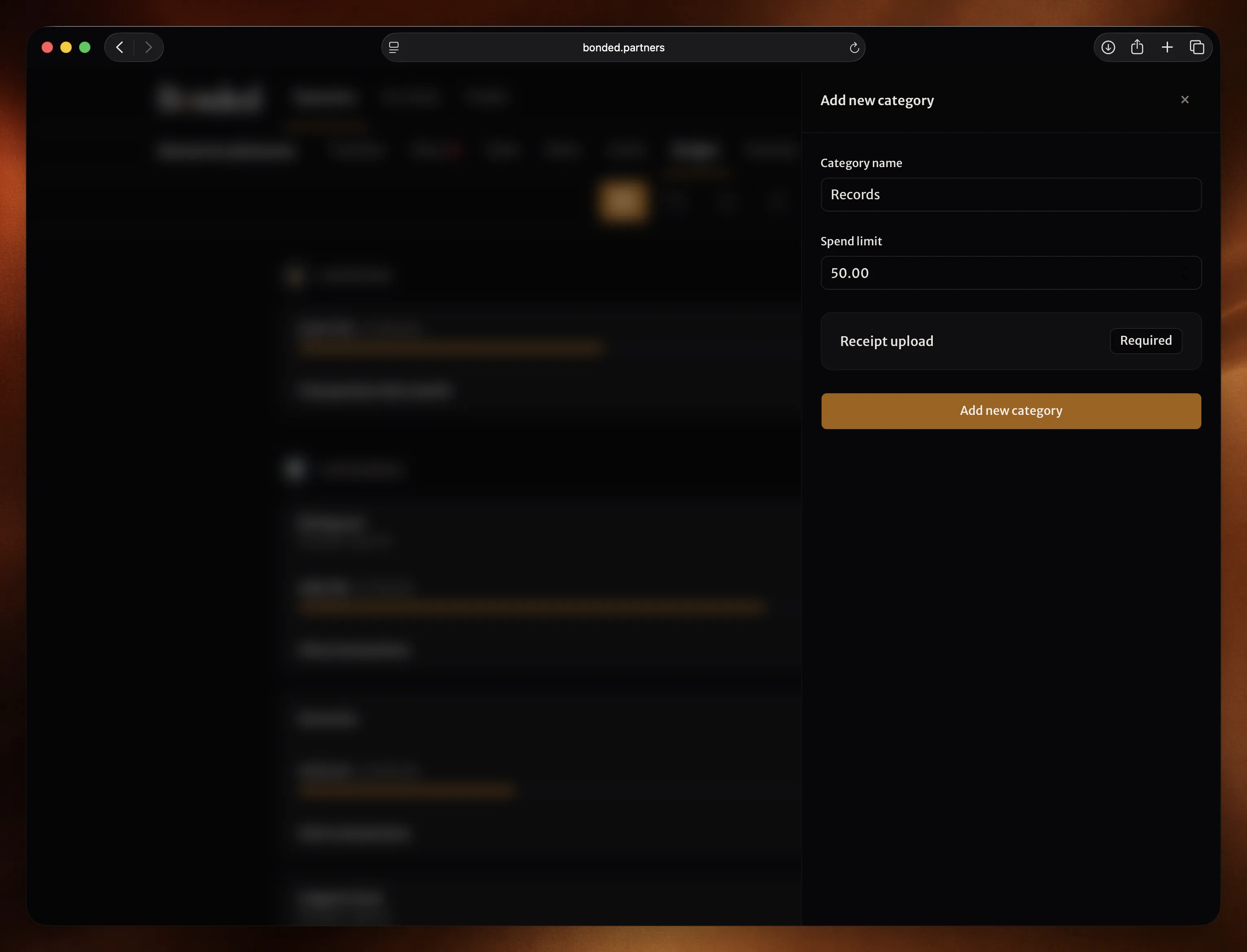
Your categories appear at the start of each month. Each one has a name, a limit, and whether receipts are required. You know the framework before you spend anything.
Log each purchase
Enter the amount, a description, and upload a receipt if required. It takes seconds. The remaining budget updates immediately so you always know where you stand.
Track your progress
How much you’ve spent. How much is left. Whether any category is nearing its limit. Everything is transparent and current — no surprises at the end of the month.
Next month appears when it’s ready
When the new month starts, your updated categories are there. Your Dom(me) may have adjusted limits or added new ones. You see it when it’s ready, not before.
Financial control, without the spreadsheet.
Free to start. No credit card required.
Not ready yet? Get D/s insights and product updates in your inbox.