




Activity Timeline
Your effort, recorded. Your consistency, visible.
Every piece of evidence, every completed task, every reflection — the timeline records it all. Your consistency over time is documented, not just claimed. There’s something reassuring about seeing it all laid out.
What it does
A living record of your devotion.
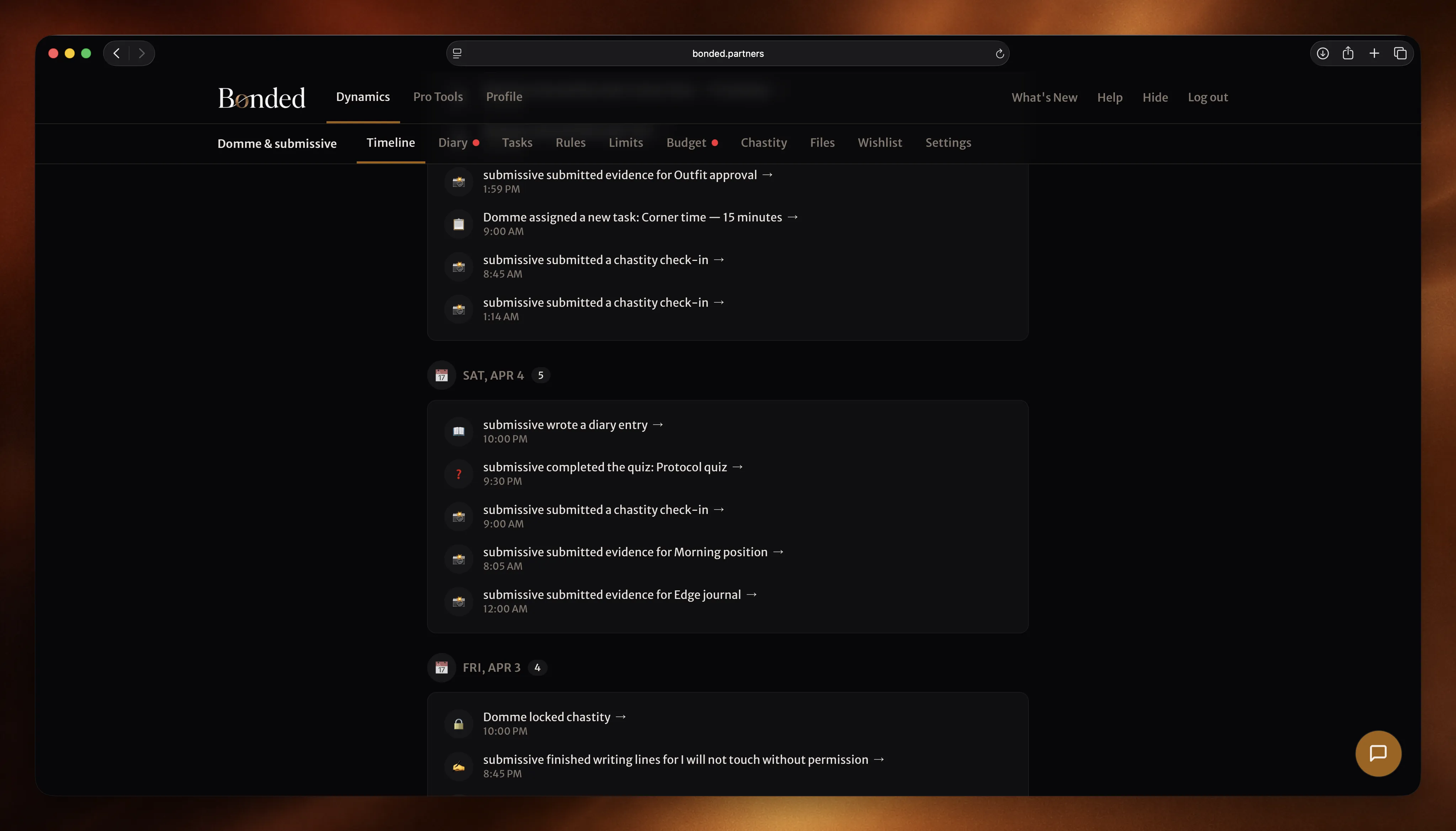
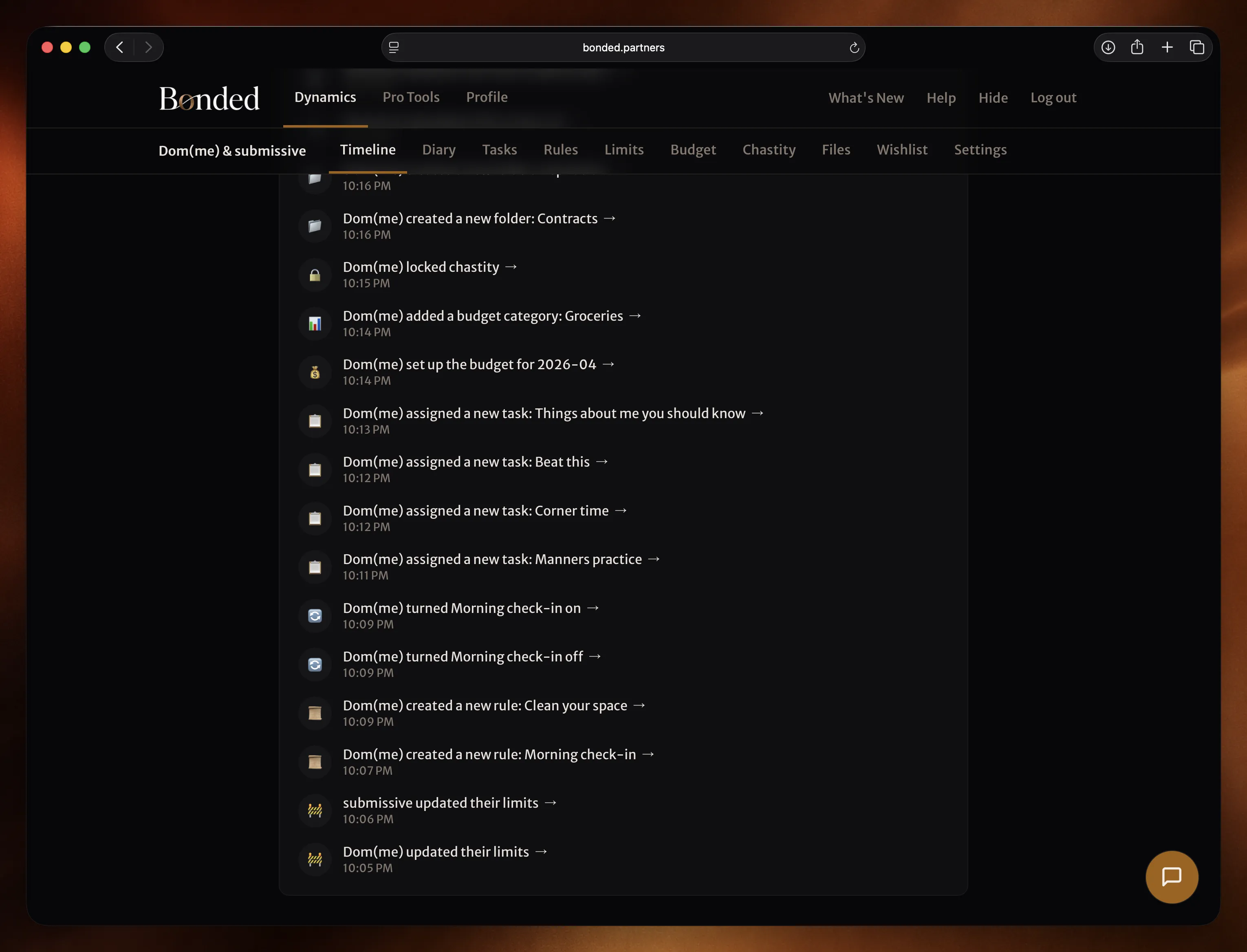
Everything you do in the dynamic is recorded automatically. Evidence submitted. Tasks completed. Reflections written. Each event appears in the timeline with a timestamp. Your effort is there — visible and permanent.
Both of you see the same record. Nothing hidden, nothing editable. What happened, happened. Your consistency over weeks and months is documented, not just felt.
You also see when your Dom(me) reviews your work, reacts to something, or makes changes. The dynamic is transparent in both directions.
How it works
Live your dynamic. The record builds itself.
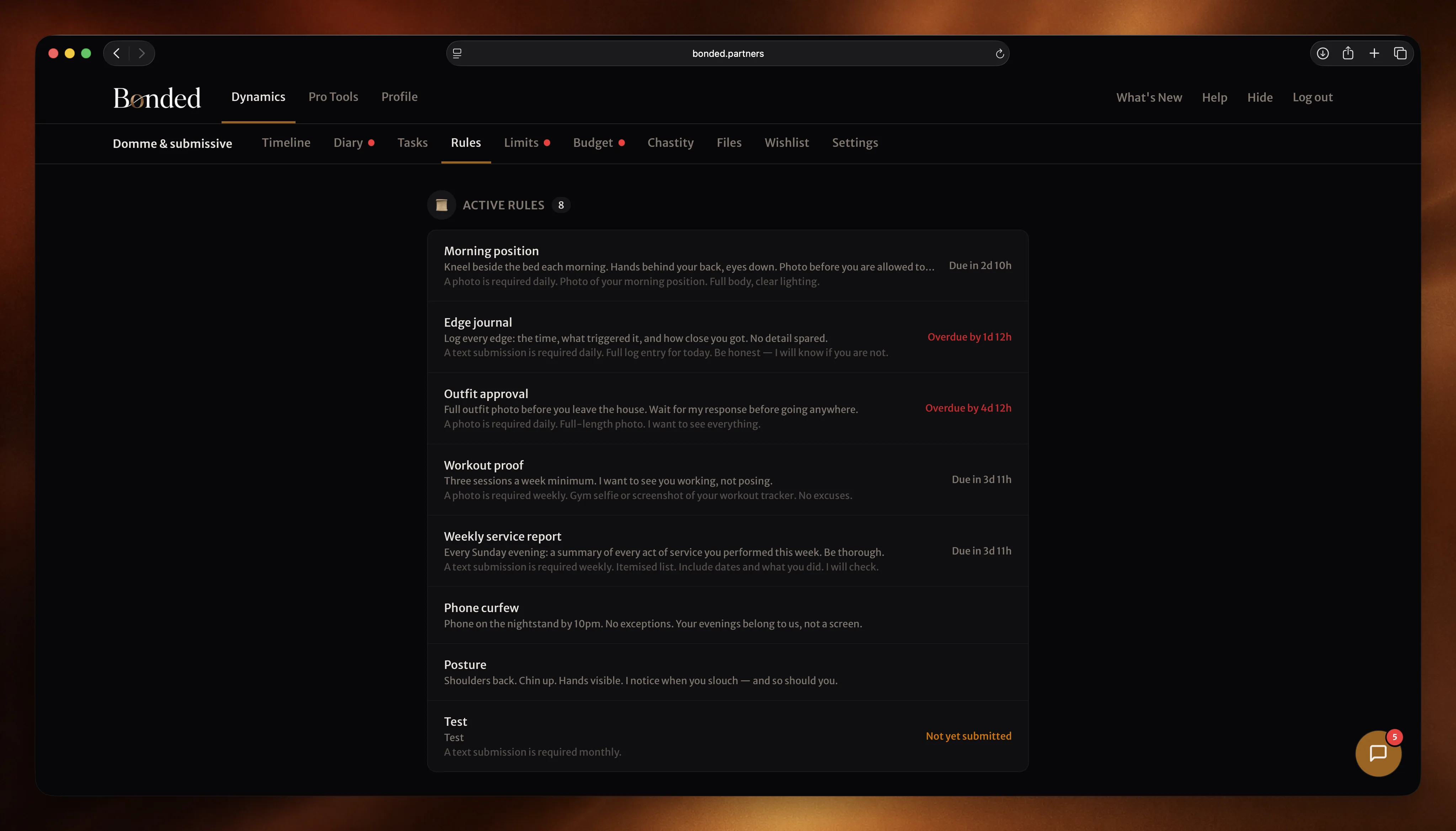
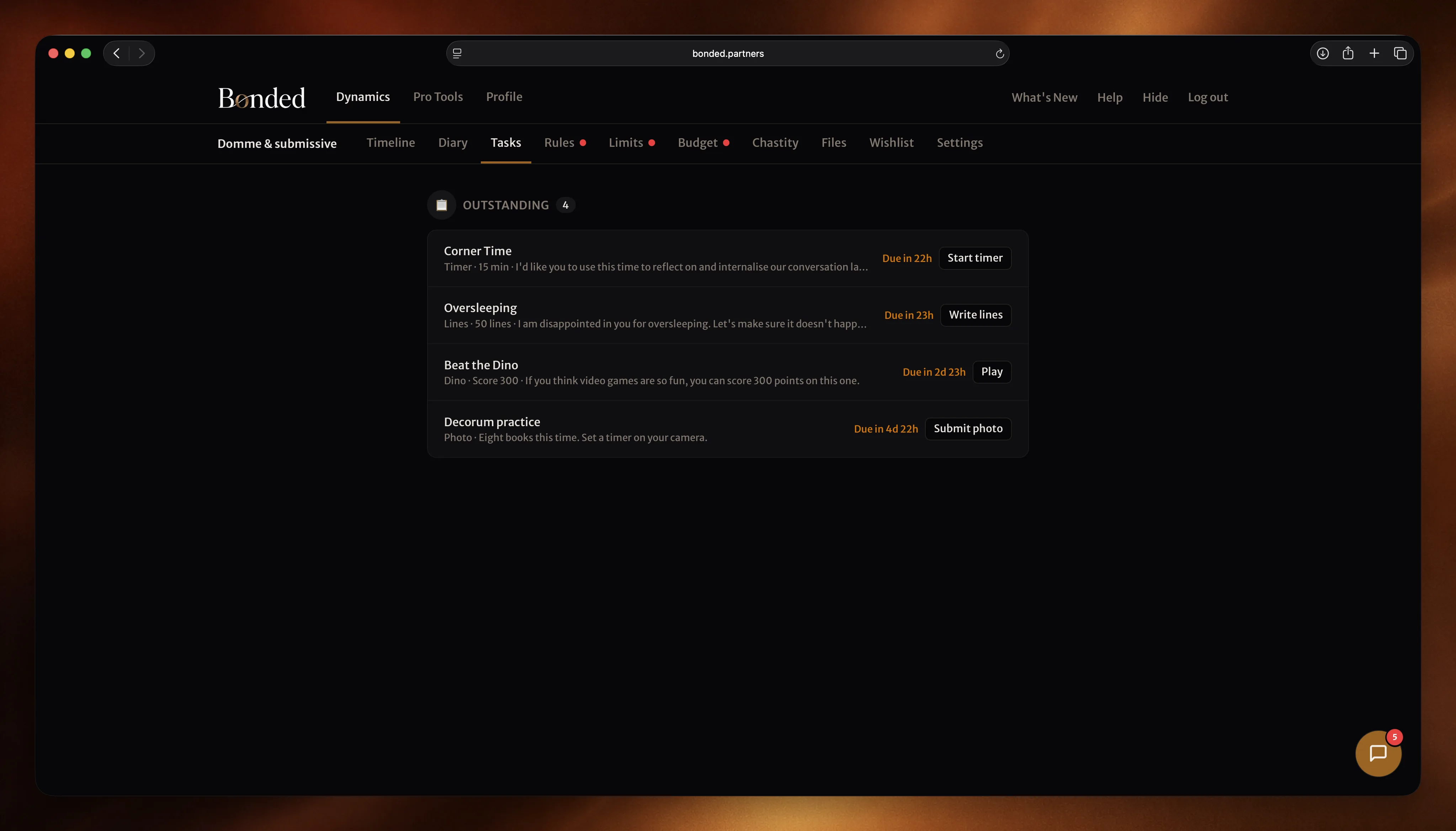
Your effort is captured
There’s nothing to configure. Every time you submit evidence, complete a task, or write a reflection, it’s recorded. The timeline fills in as you go.
Scroll through the history
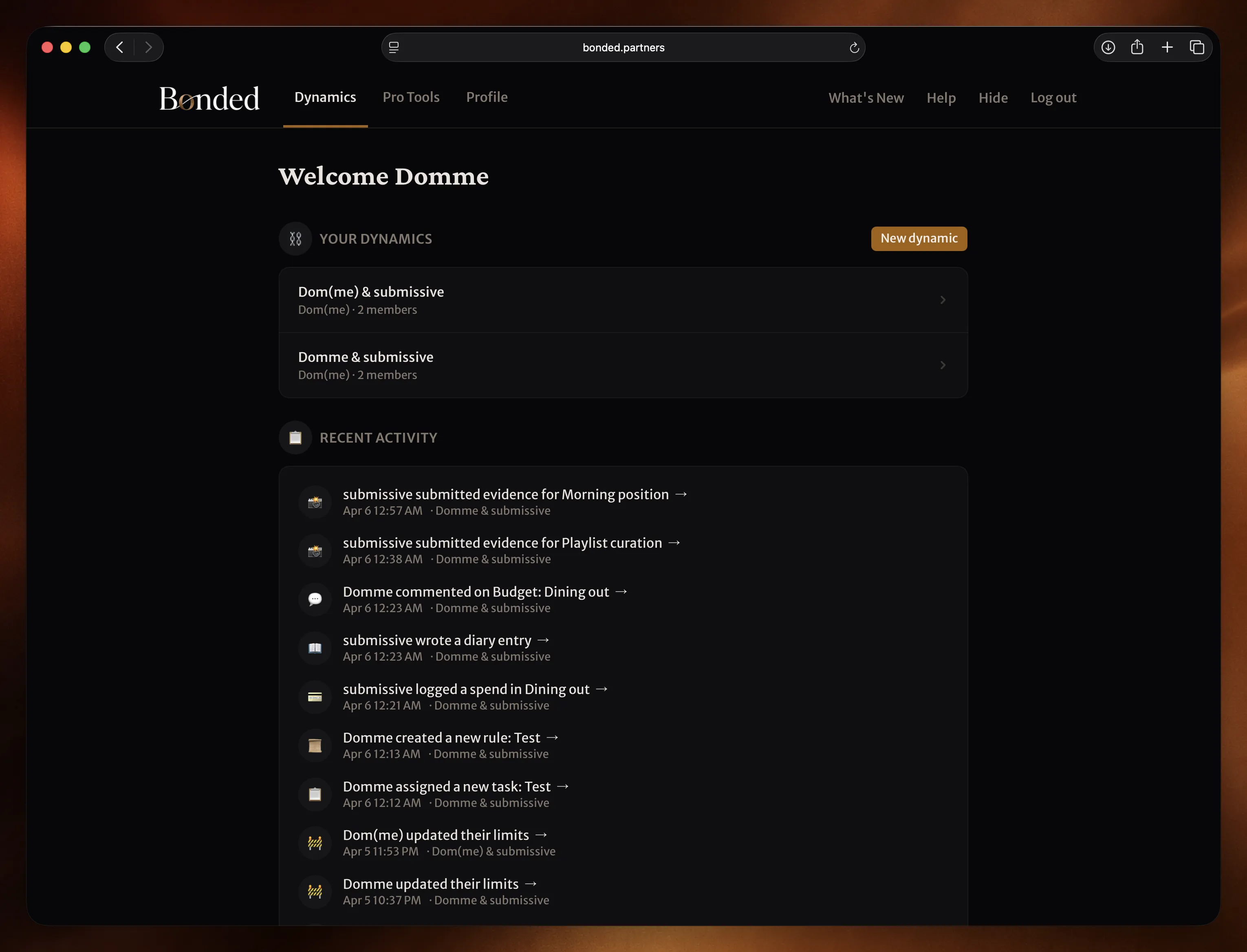
Browse everything that’s happened, in order. See your submissions, your completions, your reflections. Tap an entry to revisit the moment.
You see when you’re seen
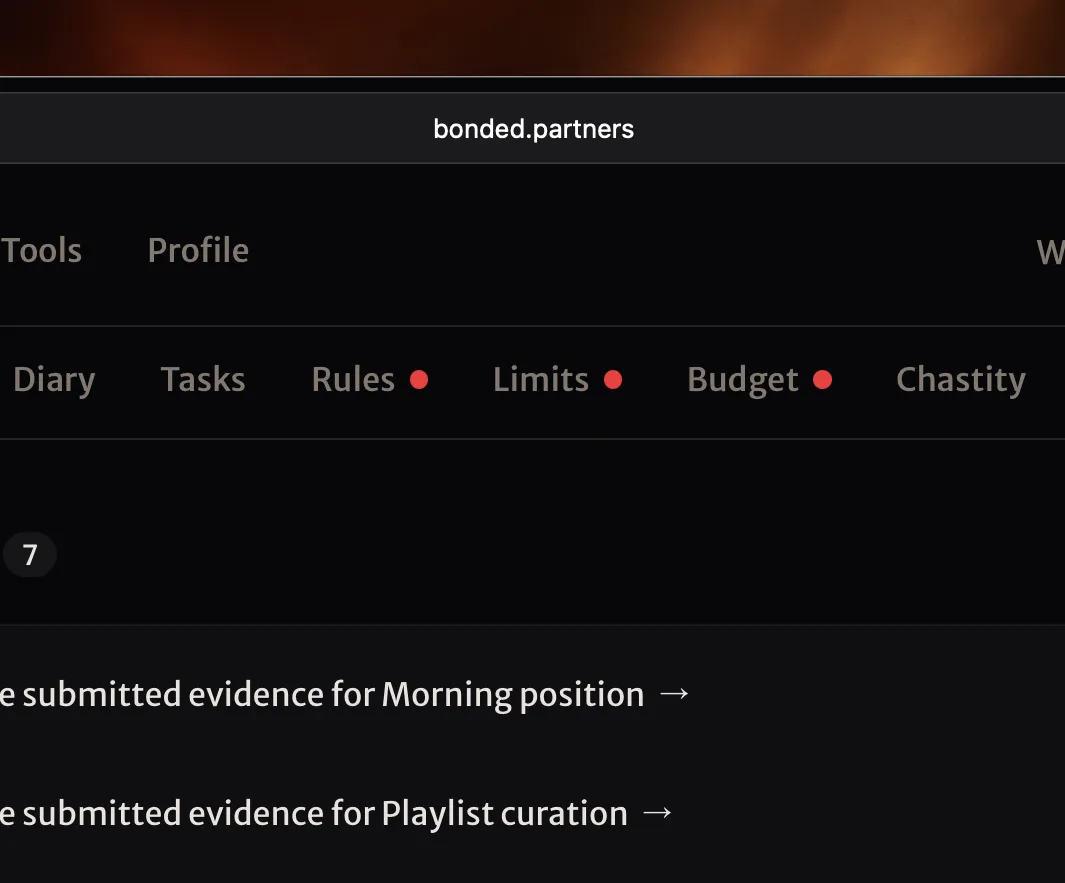
When your Dom(me) reviews your evidence, comments on a reflection, or acknowledges a task — you see it. Your work doesn’t disappear into a void. It’s received.
Your dynamic's story, told in full.
Free to start. No credit card required.
Not ready yet? Get D/s insights and product updates in your inbox.