
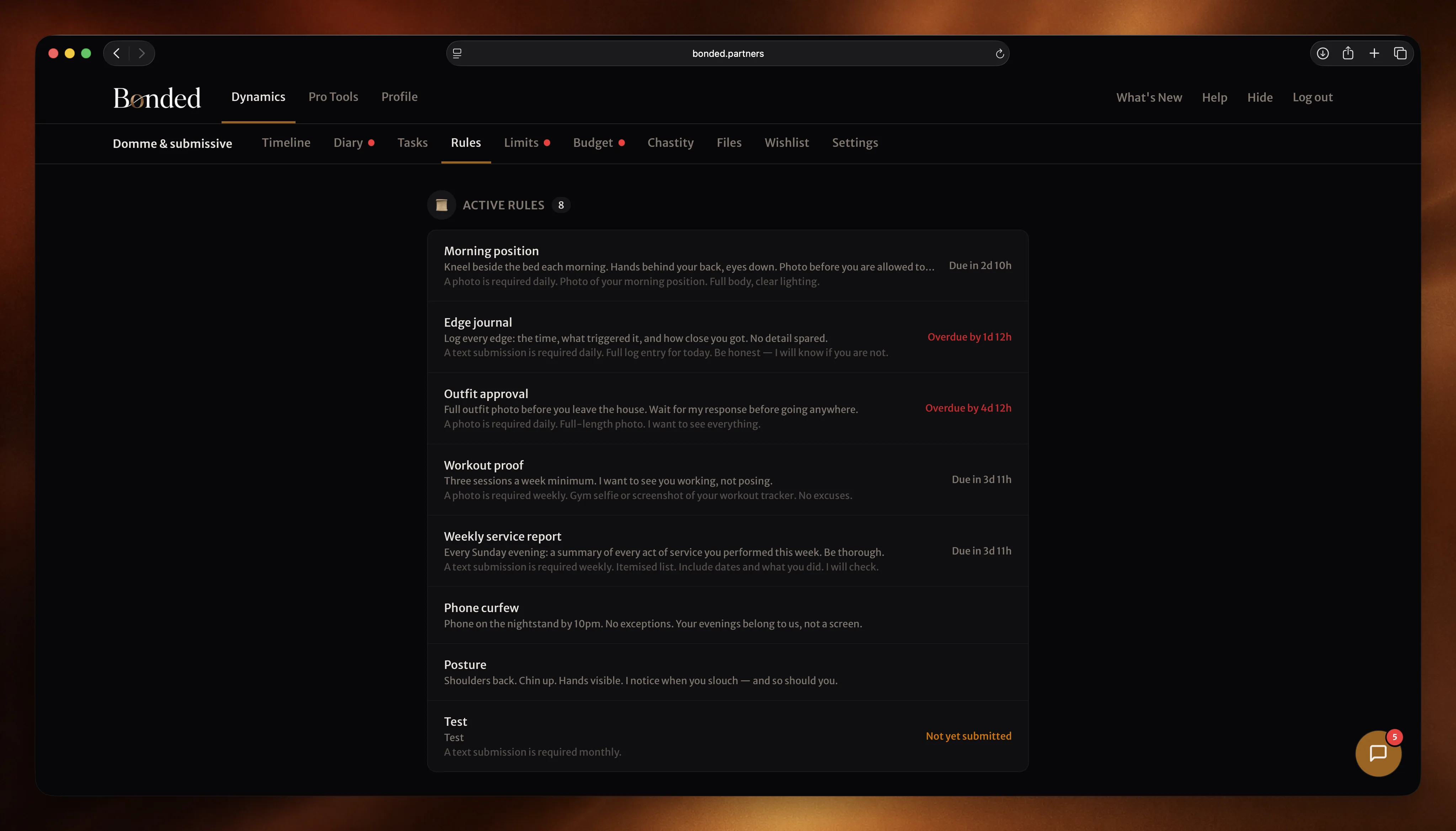

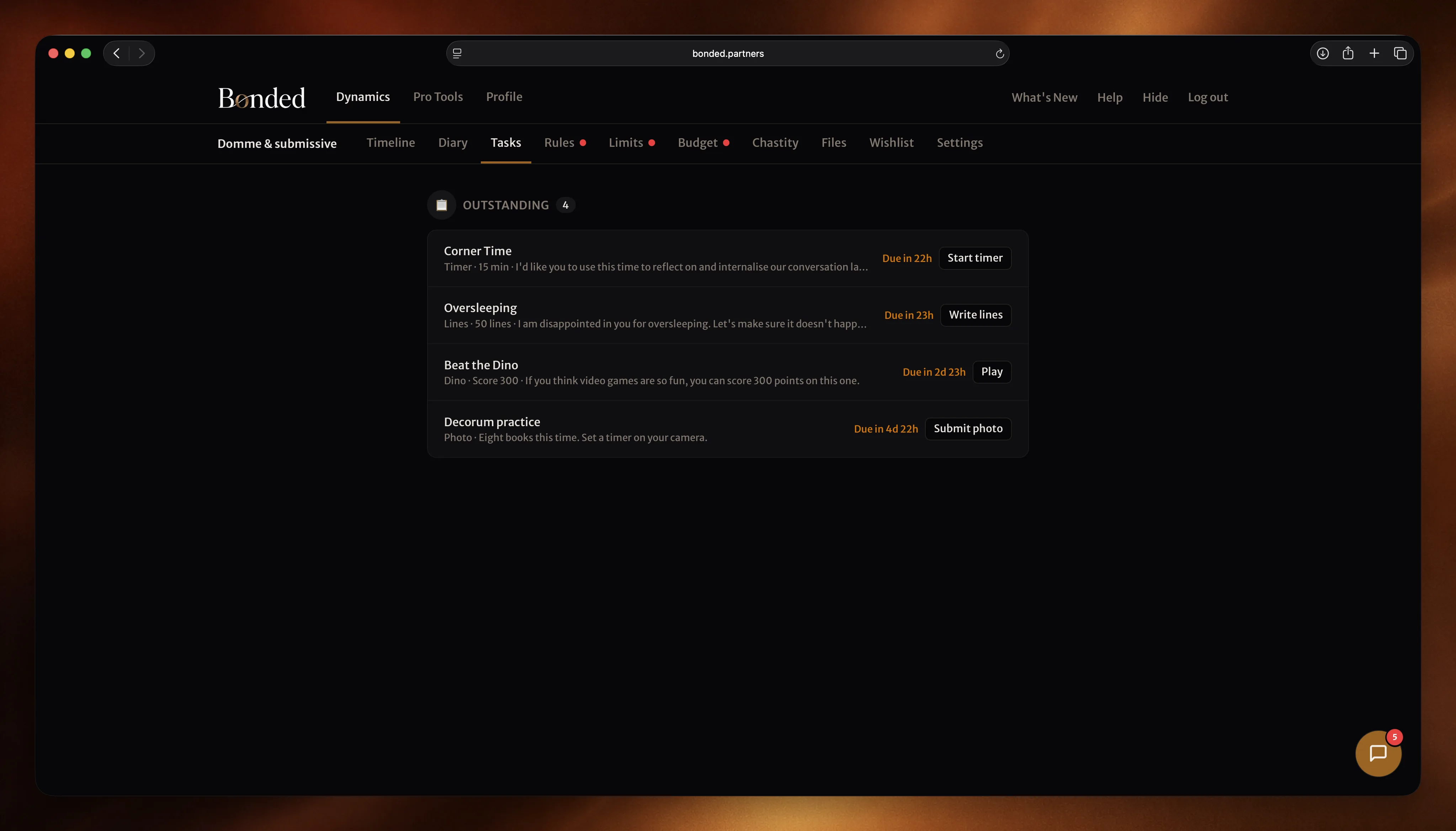



Get Bonded everywhere
Your dynamic. Now on your device.
Access Bonded wherever you are to keep up to date with tasks, check the latest reflections or submit evidence on the go. It's everything you love about Bonded, now on the screen of your choice.
Why connect an AI agent
Your dynamic, one prompt away.
Bring Bonded into ChatGPT so you can manage a dynamic in the same window you already use for everything else. Ask in plain English and it flows through to the app.
“Set john 1000 lines of ‘I must do better’ with random caps, due tomorrow.” “Write today’s reflection about the weekend.” “Log £52 on Tesco against Groceries.” All of it, from the prompt to the dynamic, in one turn.
Works for both roles. Dom(me)s assign rules, tasks and chastity sessions. Subs submit evidence, write reflections, log spends, and manage their limits. Your tier and role permissions apply exactly as they do in the app.
What it gives you
Every surface, from a prompt.
Natural language, all the features
Rules, tasks (evidence, lines, timer, game, quiz), chastity, reviews, diary, budget, limits and chat — all reachable by asking in plain English.
Wherever ChatGPT lets you
Add it as a custom connector in ChatGPT’s Developer Mode, or plug it into agents built on OpenAI’s Agents SDK. The consent screen names the client.
Encrypted end-to-end
Writes go through the same per-dynamic Vault keys the web and mobile apps use. Your content is encrypted at rest, nothing readable leaves your machine unprotected.
You always approve
Sign-in opens a browser with a consent card naming the agent, every time. Revoke with the logout tool or from your profile.
Three minutes, four steps.
Paste one URL into ChatGPT’s Connectors, approve on a browser page, done. Requires ChatGPT Business, Enterprise, or Edu — the plans that ship Developer Mode.
- 1
Check your ChatGPT plan
Custom connectors live inside Developer Mode, which is only available on ChatGPT Business, Enterprise, and Edu. If you're on Plus or Pro, ask your workspace admin to upgrade, or wait — OpenAI has been gradually widening Developer Mode availability.
- 2
Turn on Developer Mode
In ChatGPT, open Settings → Apps & Connectors → Advanced settings and toggle Developer Mode to On. ChatGPT will warn you that unverified connectors can modify or erase data; that's fine and expected. (Note: ChatGPT disables Memory while Developer Mode is on.)
- 3
Add the Bonded connector
Go to Settings → Connectors → Create. Name it “Bonded”, paste the Server URL below, set Authentication to OAuth, and confirm “I trust this application.”
Server URL
https://bonded.partners/mcp - 4
Sign in
ChatGPT opens a browser tab at bonded.partners for a one-click consent card that names ChatGPT as the connecting app. Approve, and you're connected.
- 5
Start using it
Back in ChatGPT, try: “What are my dynamics?” “Set john 1000 lines of ‘I must do better’ with random caps, due tomorrow.” “Write today’s reflection about the weekend.” ChatGPT will use the Bonded tools and tell you what it did.
- 6
Or: OpenAI Agents SDK
Building your own agent with the OpenAI Agents SDK? Register the same URL as a remote MCP server — the SDK handles OAuth automatically.
Remote MCP URL
https://bonded.partners/mcp
Access is one-click revocable from your Bonded profile under Connected Apps. Bonded never sees your ChatGPT chat history — ChatGPT only sends the exact tool call you agreed to.